


The DHIS2 Annual Conference takes place from 15-18 June 2026! Learn more
The DHIS2 Annual Conference takes place from 15-18 June 2026! Learn more
DHIS2 is a global public good transforming health information management around the world, developed by the HISP Centre at UiO. On this page, you can learn more about key elements of the DHIS2 project
DHIS2 is an open source, web-based platform most commonly used as a health management information system (HMIS), but that is usable in any sector due to its flexible and customizable design and powerful, user-friendly software features.
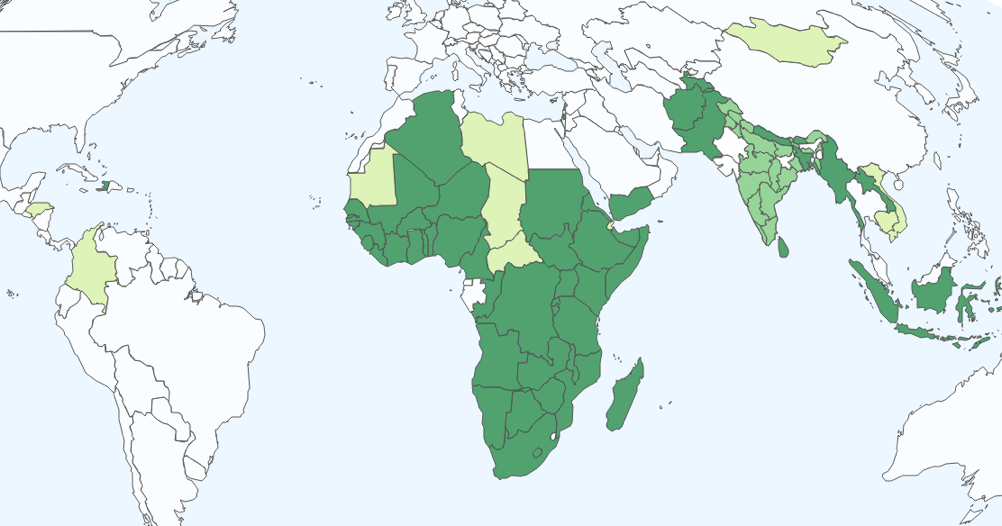
Today, DHIS2 is the world’s largest HMIS platform, in use by 80 low and middle-income countries, making it the government-wide system of record for health data in these countries. Approximately 3.2 billion people live in countries where DHIS2 is used. Including NGO-based programs, DHIS2 is in use in more than 100 countries.
DHIS2 software development is a global collaboration managed by the HISP Centre at the University of Oslo (UiO). HISP is a global network comprised of 23 local HISP groups that provide day-in, day-out direct support to government partners and local implementers of DHIS2.
The DHIS2 software platform boasts data warehousing, visualization features, and the possibility for data users and policy makers to generate analysis from live data in real-time. DHIS2 development is coordinated by HISP UiO, with developers located around the world. Until 2011, DHIS2 was developed and maintained by PhD students and faculty members at the Department of Informatics at UiO, working closely with the users through implementation and research projects. From 2012 onward, in response to increasing national adoption of the platform as an HMIS, the core software development organization was professionalized by hiring full-time developers, architects and project managers. The result was that new user demands were captured and introduced through professional quarterly release cycles. From the very beginning, only generic requirements (e.g. requirements relevant across different geographical regions), were implemented in the core, while the flexibility of the platform allows for customized implementation locally. State-of-the-art tools are used to document and prioritize requirements from the variety of stakeholders involved. See the current software roadmap.
DHIS2 is released as free and open software under the BSD 3-clause license. This means that the application can be used free of charge, anyone can access to the source code and may even modify and redistribute the software. The only restrictions are that the copyright notice must be maintained in the source code, and that neither the name of the copyright holder nor the names of its contributors may be used to endorse or promote products derived from this software without specific prior written permission.
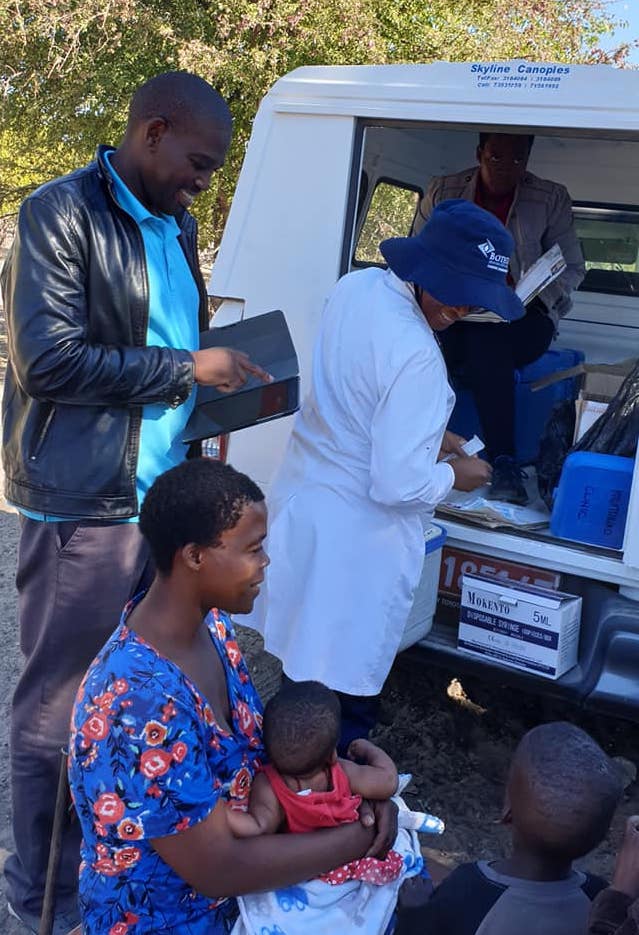
From the beginning, our priority has been on embracing new technology while also ensuring a robust solution that will work in resource-constrained settings. As such, a range of technologies are supported, from our core web platform that facilitates aggregate data reporting at any level of an organizational system, to our Android App that allows for mobile data capture, including in offline mode for areas where internet coverage is not reliable. DHIS2 even allows the opportunity to report data by SMS from feature phones. This technological flexibility helped make DHIS2 the first governmental information system south of the Sahara to scale online nationally (in Kenya in 2011). Newer versions of DHIS2 are similarly driven by needs from the field, and designed with implementation in a variety of real-world settings in mind.
DHIS2 has a modular, layered architecture with a strong and open application programming interface (API). This means that DHIS2 essentially serves as a data warehouse with more than 60 native applications that pull or push data stored in the warehouse to perform different functions such as data quality checks or making scorecards. Software developers, working with this kind of system architecture and stable code base, are easily able to build their own native applications in DHIS2. Find out more on our Developer Resources page.
The open API also makes it easy to integrate DHIS2 with external software systems and data sources through an interoperability layer, middleware, or with a direct API to API connection. There already exist many generic DHIS2 interoperability layers, such as OpenFN, as well as direct connection DHIS2 plug-ins for dozens of other external software systems, such as Tableau. DHIS2 also supports interoperability through compatibility with global standards such as FHIR.
Each country (or organization) has its own “instance” of the DHIS2 platform with full ownership of the application and the data contained within it. In collaboration with experts in the DHIS2 community, ministries of health configure their own information system on top of the generic platform. A crucial aspect of DHIS2 implementation is that data ownership rests with each institution using the software. This implies that each user institution needs to make decisions and find solutions related to storing data. The HISP network provides guidance — including documentation on best practices and recommended frameworks — but appropriate solutions will vary depending on factors such as local laws and regulations and server maintenance capacity, and others. These considerations include general data and privacy regulations as well as the practical matters such as user permissions and system access administration.
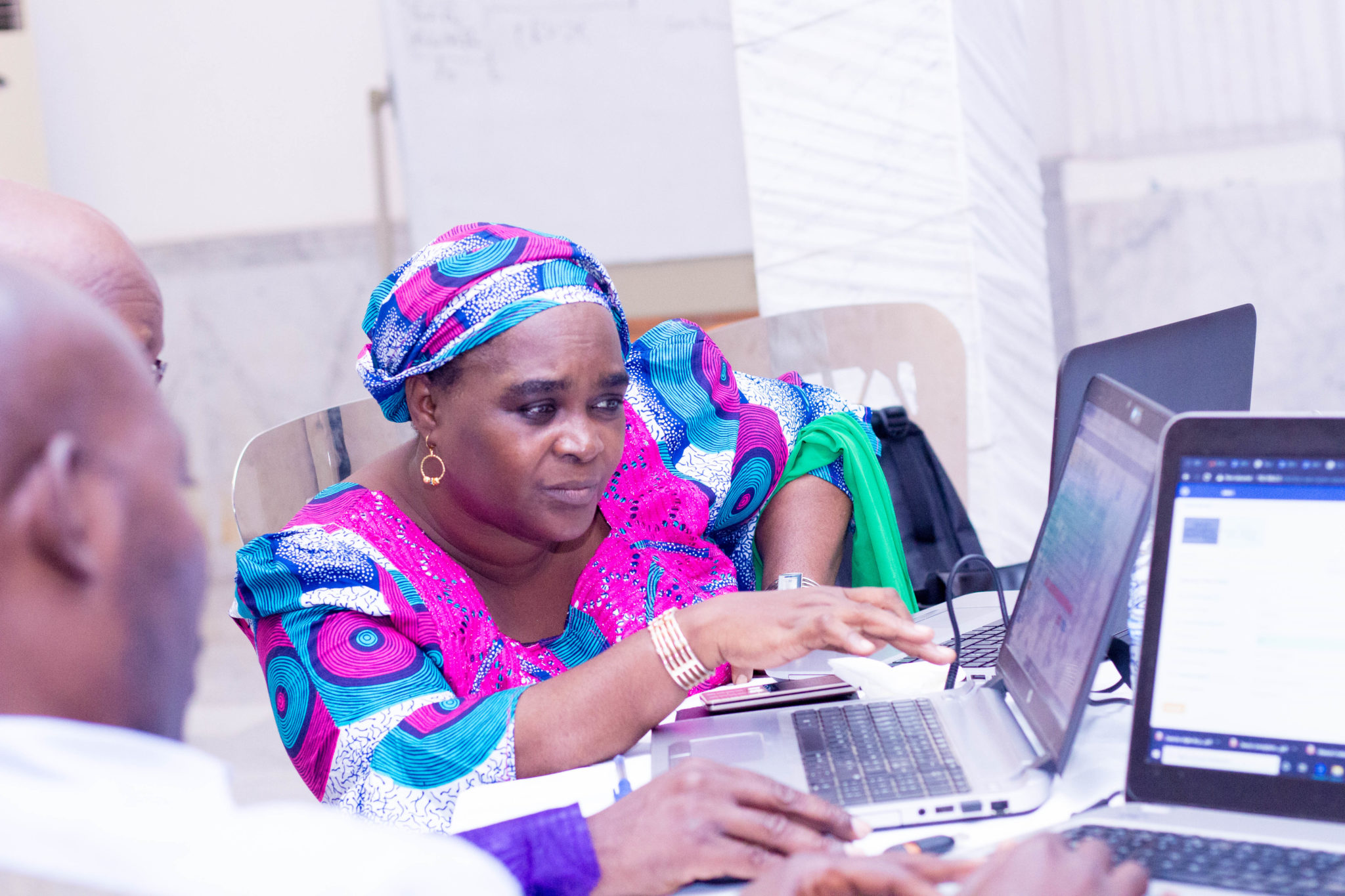
To ensure that DHIS2 implementations result in sustainable health information systems that are used to support decision-making, HISP-UiO spends significant resources on institution and capacity building. To date, more than 70 PhD students from the Global South have graduated within HISP. These experts form the base for supporting DHIS2 systems in their home countries and regions through the global network of HISP groups. These groups also help build local DHIS2 capacity through the DHIS2 Academy program, by leading in-person and online training courses on key aspects of DHIS2, from analytics and system configuration to more specialized topics. Thousands of students have completed DHIS2 Academy courses in a variety of languages. Members of the HISP network and other DHIS2 experts also share knowledge and assistance through our only discussion forum, the DHIS2 Community of Practice. While UiO plays a central role in the DHIS2 project, the existence of this active, engaged, and truly global community has been the largest driver of DHIS2’s long-term success, and the sustainable use and uptake of DHIS2 around the world.

Recognizing the breadth of DHIS2 national implementations, global health institutions have found it useful to adopt DHIS2 as an institutional software program that allows them to align to national information systems and at the same time meet their own institutional data management needs. Such users include the U.S. President’s Emergency Plan for AIDS Relief (PEPFAR), Doctors Without Borders, Population Services International (PSI), and global health programs at the World Health Organization (WHO). Some of these organizations, such as PEPFAR, are also among the key investors in the DHIS2 project.
The widespread adoption of DHIS2 has allowed the realization of a whole series of benefits. In recognition of the global adoption of the platform, WHO endorsed DHIS2 as a global public good, and has developed data quality management apps and normative guidance to support countries in better application of DHIS2. HISP UiO collaborates with WHO and other global health partners on developing standardized health metadata packages and configuration guidance for the DHIS2 Health Data Toolkit that include recommended indicators and best practice for data use at country level. In December 2017, HISP-UiO was designated as a WHO Collaborating Centre for Innovation and Implementation Research for health information systems strengthening. As the Assistant Director General of WHO has noted, Collaboration with global institutions like WHO enables DHIS2 to support the development and implementation of international standards, which facilitate more effective planning and management of health programs at the regional and global scale.
DHIS2’s flexible design makes it well-suited for a broad range of applications. While it is most well-known for covering routine health reporting at the national, regional, district, facility, and community levels, it has also been deployed as an information management system for education, logistics, water and sanitation, agriculture, and more. This means that in a single country, DHIS2 can serve as the national MIS for several different ministries, resulting in a critical mass of DHIS2 skills from national level all the way down to community health worker and teacher levels. This leads to a proliferation of private- and public-sector service providers with DHIS2 know-how that makes it easier for DHIS2 to be adopted in a new sector or program, which results in immense potential for countries to realize the benefits of scale as the use of DHIS2 expands across other sectors. Other sectors can reap a dividend of health sector expertise to serve MIS development needs across other tiers of government.

The development of the DHIS2 core platform has received funding from the Norwegian Agency for Development Cooperation (Norad), the University of Oslo and the Research Council of Norway from the very beginning in 1994. In 2013, Norad, PEPFAR and The Global Fund to Fight AIDS, Tuberculosis, and Malaria committed to support the DHIS2 development together due to the footprint (30 countries and growing fast) DHIS2 had already established. Later, UNICEF, CDC, GAVI, The Vaccine Alliance and The Bill and Melinda Gates Foundation (BMGF) came on board. Together, our donors provide a stable base of funding that has enabled the HISP project to expand and sustain over time, to have the flexibility to explore the newest of technologies, to develop a network of experts across countries and regions, and to commit to continue to deliver a stable and generic core platform.
Global adoption of DHIS2 is growing. We expect that additional countries will adopt DHIS2 due to network effects, such as the examples of neighboring countries and DHIS2 use by regional and international organizations. We also expect that use in each country will graduate towards a larger and more intensive application of the platform, potentially including more national and sub-national programs and increased data complexity, such as individual-level data and data collection on mobile devices. This means that countries and institutions implementing DHIS2 will need to deal with rapidly expanding data storage requirements and other data governance issues, and the DHIS2 software team will need to maintain system performance and stability while meeting increasingly complex system needs. The ongoing support of our network of donors makes it possible to ensure that DHIS2 remains a sustainable open-source solution, and a global public good available for use by all.